How do I turn construction meeting notes into tasks?
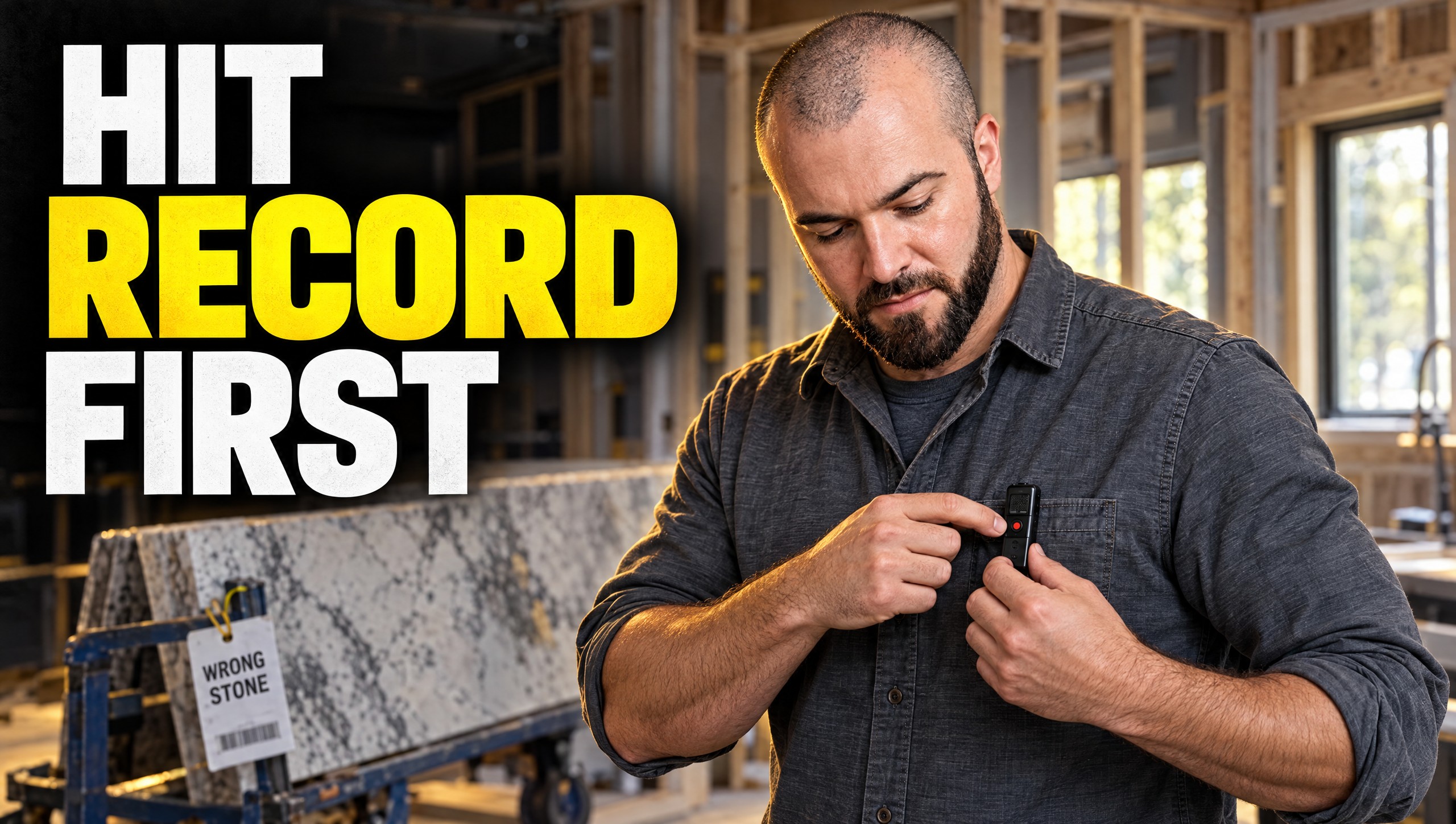
Record the meeting, then have Claude pull every action item into your task list with an assignee, a due date, and a deadline. Most builders just let the AI meeting notes sit there. They don't use the notes to provide value for the business or the team.
Find the AI skills that fit your business
What happens when a meeting note never becomes a task?
Earlier this week I was on two calls with two different clients. They had the same issue.
The product was ordered and it arrived. Nobody was there to confirm it was the right item. In both cases, it was really expensive. One was custom stone for kitchen countertops. The other was stone for landscaping.
Both wrong deliveries could have been caught in one meeting: the selections meeting, when the stone was chosen.
That part of the meeting should have gone into the project management software. Then it should have gone to the person who leads inventory and accepts orders. It's a ripple effect. One selections meeting, recorded and documented, is a true CYA.
How do you capture the meeting in the first place?
For calls on a calendar, use a recorder that lives in the call. I'm a big fan of Day.ai for anything digital: Google Meet, Zoom, anything on a calendar where you don't drive to the site. Granola is another one. These tools record what was said and help you send it out.
Day is more of a CRM. A CRM is the place your contacts, deals, and projects live. It takes the transcripts and updates contact, company, deal, and project records. You and your team don't have to click through everything by hand.
On site, carry a pocket recorder. When you can't use Google Meet, use a tool like Plaud. I use a tool called HiDock. It's a little device I throw in my pocket and turn on anytime I go to events or sites.
On a first visit to a house or a job site, narrate what you want on record:
- What's going on
- What the scope of the project could look like
- Pricing
- Objections from the prospect
It works the same when a sales team goes out to houses for you.
Where do the notes go after the meeting?
The real benefit is what you do with that data. Plaud has an MCP connector to ChatGPT and Claude. A connector is a key you hand Claude to one job box. It lets Claude read that app's files. You grab the transcript from the on-site, production, or project meeting and use it to update your project management software. That could be JobTread, Buildertrend, or Ressio. It keeps your database clean and flags things for you.
This depends on what tools you have and who owns each action. Here is how we run it with each meeting:
- Claude puts the transcript in the client's own Gemini Notebook (the tool you may still know as NotebookLM). It holds everything said: deliverables, expectations, assets.
- Day sends the follow-up email with dates, timelines, and expectations to the client and everybody in the meeting.
- A scheduled task in Claude pulls out the tasks. A scheduled task is a job Claude runs by itself on a timer. It takes the same recording and pulls out our tasks and the client's tasks.
- Those tasks land in Todoist, our task app, so every task stays up to date and synced.
From the client's side, they can look at it and see what they're responsible for and what work is getting done.
See which AI skills match the way you run jobs
What does every action item need?
Claude does this for us. Every action item gets:
- An assignee
- A due date
- A deadline
- Labels and tags
- A description
We use every feature on a task and a project in Todoist. For a prompt that writes clean action items, I point people to Layla Pomper at ProcessDriven. She has a whole video on how to create action items after every meeting.
How do you get your team to hit record?
This is the hardest part. You have to build the habit of tossing the recorder in your pocket and making sure it's on before the meeting.
It's like bringing your camera for a great photo and forgetting to hit record. It happens all the time. So build the habit and a positive feedback loop around it. Then show your PM the true value of the tool and how it changes their day. That's a great win.
Questions Builders Are Asking
Do I need to tell clients and subs I'm recording? Yes. I do, and I recommend everyone does, for privacy laws. I ask, "Do you mind if this is recorded?" Then I walk through why it's on and what it gives them: the follow-up notebook and the action items.
Can AI take clean notes on a loud job site? Yes. Most microphones today remove outside noise and clean up the audio. Most tools can also tell speakers apart. A recorder like Plaud or HiDock learns your voice and assigns it to you, and the same for your team.
What is the biggest mistake builders make with AI meeting notes? Most builders just let the AI meeting notes sit there. They don't use the notes to provide value for the business or the team. They think a Google Doc with the transcript on it is good enough.
What's Next
Pick one meeting this week, your next selections meeting, and record it. Then check every task that comes out of it for an owner and a date.
Take the SkillMatch assessment and see which AI skills fit your business
Sources
- Plaud: Introducing Plaud MCP and CLI
- Layla Pomper at ProcessDriven, video on creating action items after every meeting
Grant Fuellenbach builds operating systems for residential builders and remodelers doing $1M to $15M. He came up through construction technology, starting with drones, sUAS, photogrammetry, and LiDAR, before founding GO First Consulting, the parent company of Beyond the Bid. He records his own meetings with Day.ai and HiDock and runs the steps in this post after each meeting.
Published October 14, 2026. Last updated October 14, 2026.